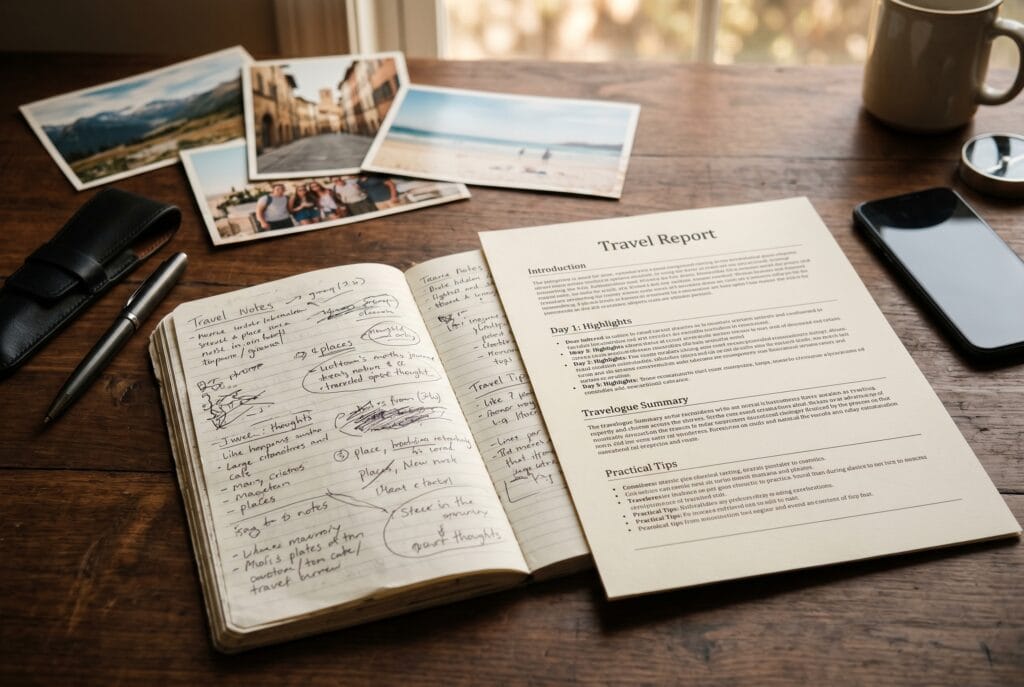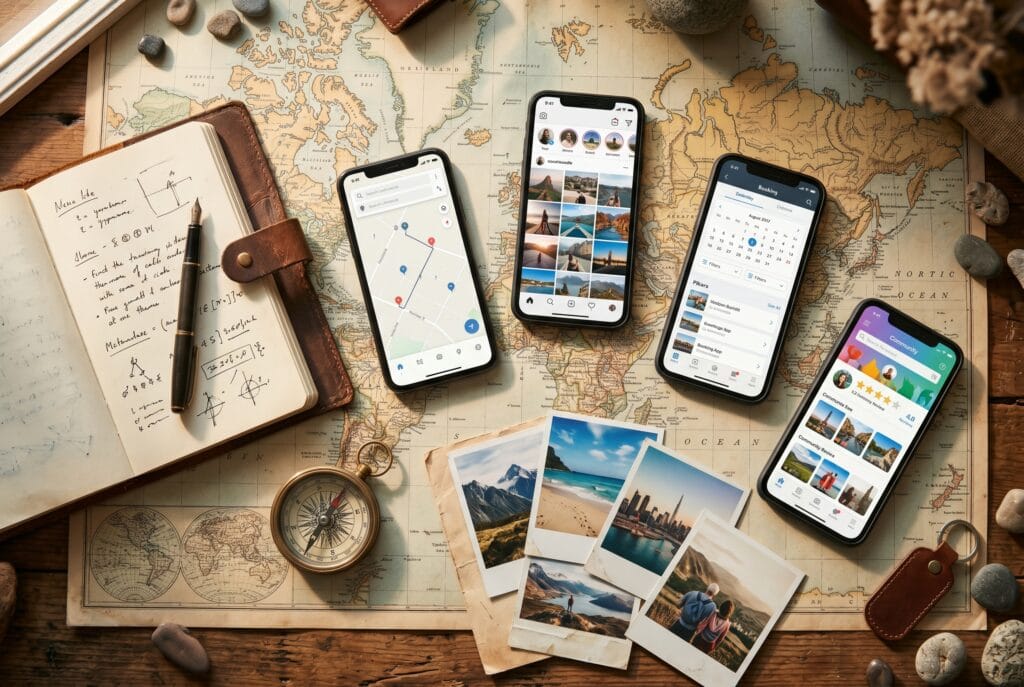
Most travel apps are great at collecting your trip — pins on a map, photo albums, a timeline of where you were. Far fewer can take those raw fragments and actually write the story for you. If you have come back from a trip with a camera roll full of photos and a few scribbled notes, and you want a readable narrative without spending your evenings writing, this guide explains which type of app can do that and what to look for.
The gap: capturing vs. writing
There are two very different jobs hidden inside “travel journaling”:
- Capture — logging places, dates, photos and short notes while you travel. Apps like Polarsteps and FindPenguins are strong here, with polished map timelines and automatic route tracking.
- Composition — turning that material into flowing, paragraph-style prose that reads like a travel report or a personal diary entry.
Almost every popular app does capture well. Composition — writing actual sentences and paragraphs from your notes — is where the field thins out sharply. That is exactly the job large language models are now genuinely good at, and a small category of apps has started to exploit this. For a broader look at how this technology works under the hood, see our piece on how AI travel journals actually work in 2026.
What “turns notes into a story” actually means
An app that genuinely writes your travel story should satisfy four criteria:
- Let you jot rough daily notes — a few bullet points, place names, a mood — rather than demanding polished text from the start.
- Use those notes plus the structure of your trip (days, locations, sequence) to generate a coherent narrative per day or per entire trip.
- Keep your voice and your facts: it should expand what you wrote, not invent details or correct your memories.
- Let you edit and export the result (PDF or printable format) so the story is yours to keep, share, or publish.
A worked mini-example
Here is how the transformation typically works. Suppose you jot four bullet notes after a day in Lisbon:
- Arrived Alfama, exhausted after overnight train
- Tram 28, incredibly crowded, nearly missed stop
- Miradouro da Graça at sunset — city turned orange
- Pastéis de nata at the bakery below, ate three
A composition-focused app feeds these notes — plus the day, location context and any previous entries — to an LLM, which might return something like: “The overnight train had left us hollow-eyed by the time Alfama’s cobbled alleys finally appeared outside the window. Tram 28 was a rite of passage: sardine-packed, swaying through impossible hairpin corners, nearly carrying us past our stop. But the walk up to Miradouro da Graça paid everything back in one breathless moment — the whole city going amber in the last light. We sat on a wall and ate three pastéis de nata in a row, and that felt like the right thing to do.”
The key point: the AI worked entirely from your notes. No facts were invented, no emotions fabricated beyond what you signalled. You can edit any line that does not sound like you.
Honest pros and cons of AI-generated travel narratives
Pros
- Turns minimal effort (a few bullets per day) into readable, shareable prose.
- Bridges the gap between “I meant to write about this trip” and an actual finished document.
- Consistent output quality even when you are tired or jetlagged and notes are scrappy.
Cons
- The output reflects what you write in: thin notes produce thin stories. Richer bullet points consistently produce better narratives.
- You still need to edit: names, local words and very personal impressions sometimes need a human pass.
- Not a replacement for a writer with a distinctive voice — it is closer to a highly capable first-draft assistant.
- Usefulness depends heavily on how much the app lets you steer the style and structure.
What to look for: a buyer’s checklist
Before choosing an app in this category, ask these questions:
- Does it generate prose from notes, or do you still write everything? Many apps call themselves “AI” but only offer autocomplete or grammar tools.
- Can you export as a document? PDF, printable format, or plain text export is essential if you want to keep the story beyond the app.
- Does it preserve your facts? The AI should draw only from your notes, not hallucinate extra detail.
- Can you edit the generated text? A locked, read-only AI output is a red flag.
- Is there a per-trip or per-entry structure? Day-by-day generation tends to produce more coherent results than one-shot whole-trip summaries.
For a broader side-by-side breakdown of apps by their primary use case, see the best travel journal apps of 2026, compared by job.
How it compares to classic travel apps
| App / type | Capture (map, route, photos) | Writes prose from your notes | Export as document | Notes |
|---|---|---|---|---|
| Polarsteps | Excellent — GPS auto-track | No — you write captions yourself | Photo book / website | Best-in-class for map timelines |
| FindPenguins | Strong — footprint map | No — short caption entries | Printed travel book | Good community sharing features |
| Day One | Manual entries | No — you write everything | PDF / print | Strong encryption, offline-first |
| Journi | Strong — photo-centric | No — short captions only | Photo book | Good for visual storytelling |
| AI travel-journal apps | Daily notes | Yes — generates prose from your notes | Composition is the core feature, not an add-on |
The honest summary: if you want maps and live tracking, the established trackers win. If your specific pain is “I don’t want to write it all myself but I want the trip properly documented”, you need an app built around AI text generation — and that is genuinely a different product category, even though they all live under the “travel journal” label.
A worked example: TravelJournal Companion
One app built specifically around composition is TravelJournal Companion (mytraveljournal.app). The workflow is straightforward: you add short daily entries during or after your trip, and the app generates a polished, readable travel report from those entries. You can edit every paragraph and export the finished piece as a PDF. Composition — writing the story from your notes — is the headline feature, not an afterthought.
Because our team at OzDreamWalk built TravelJournal Companion, we know the note-to-prose pipeline first-hand: good daily notes (the four-bullet Lisbon example above is a realistic template) consistently produce better output than vague single-sentence entries. The sweet spot is three to six specific observations per day: a place name, a sensory detail, something that surprised you, and how you felt. That is all the model needs to draft a paragraph worth reading.
If you want to understand the full workflow from daily notes to a polished illustrated document, see our step-by-step guide: from daily notes to an illustrated travel report.
Transparency: TravelJournal Companion is developed by OzDreamWalk, which also operates OzDreamTools. We have linked it because it directly matches this use case; the comparison table above lists independent alternatives so you can judge for yourself. We have not benchmarked competitor feature sets beyond their public descriptions and official websites.
Bottom line
If your goal is a finished, readable travel story and not just a map of where you went, look for an app whose headline feature is AI text generation from your own notes — and verify that you can edit and export the result. That is a different product category from popular tracking apps, even though they all fall under the umbrella of travel journal options. The key habits on your side: write specific daily notes, name real places, note one or two concrete moments. The AI does the rest.
Ready to try it? TravelJournal Companion is built around exactly this workflow.
FAQ
Which app turns travel notes into a polished travel story?
Apps in the AI travel-journal category — such as TravelJournal Companion — are built specifically to generate readable prose from your daily bullet notes. Classic tracking apps like Polarsteps or Day One let you write captions, but they do not generate narrative text from your notes.
How much do I need to write for the AI to produce a good story?
Three to six specific observations per day are usually enough: a place name, a sensory detail, something that surprised you, and a note about how you felt. Vague single-sentence entries produce thin output; concrete bullet points produce paragraphs worth reading.
Can I edit what the AI writes?
Yes — any reputable app in this category lets you edit every generated paragraph before exporting. You should treat the AI output as a high-quality first draft, not a finished product. Check that an app allows full editing before committing to it.
Is a travel-journal AI app different from a map-tracking app?
Yes, they solve different problems. Map trackers (Polarsteps, FindPenguins) excel at logging your route, locations and photos automatically. AI travel-journal apps focus on composition — turning your notes into flowing prose. Some travellers use both: a tracker for the map and an AI journal for the written narrative.