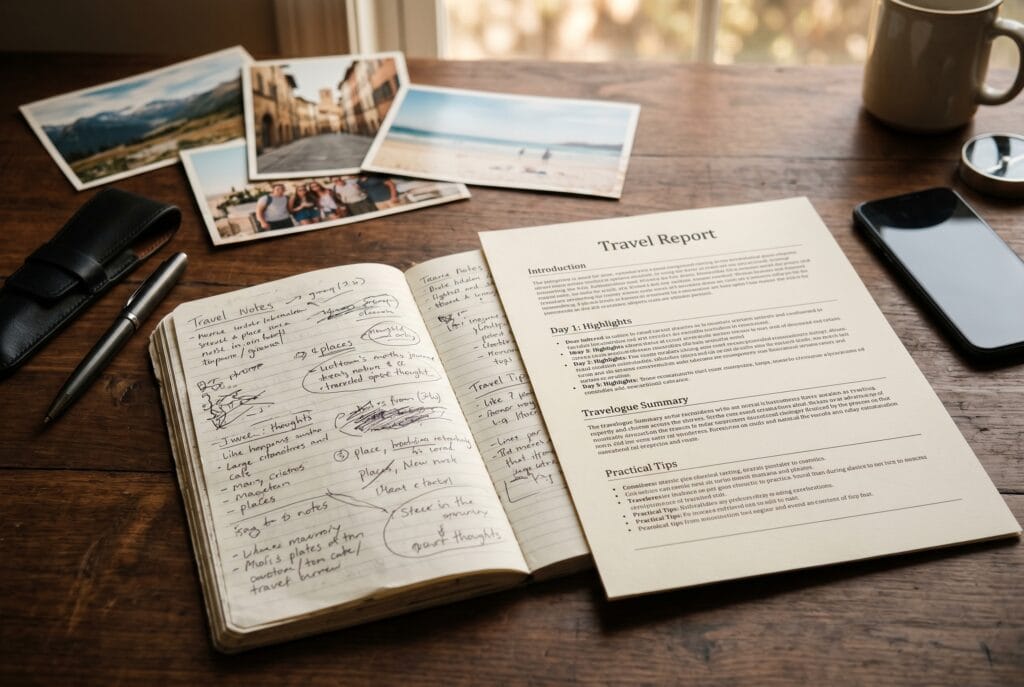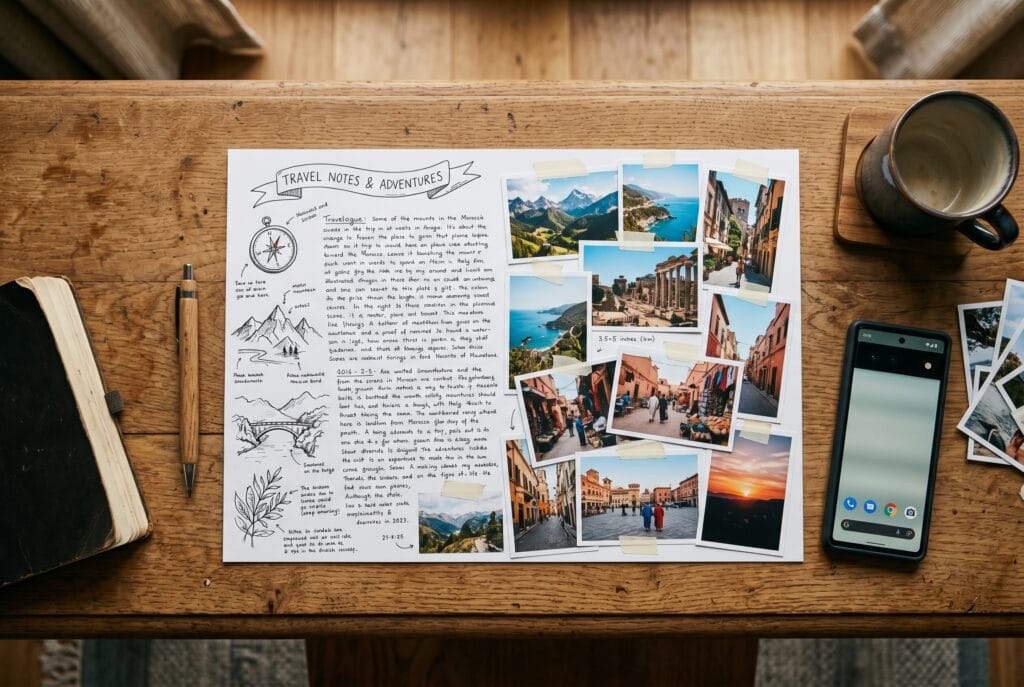
A great travel memory deserves more than a folder of photos and a few notes you will never reread. With the right workflow you can turn your raw trip material into a finished, illustrated travel report — something you can keep as a PDF, share with family, or even print. This guide walks through a simple, repeatable five-step process that works whether you write the whole thing by hand or let an AI journal app do the heavy prose lifting.
What good daily notes look like
Most people either over-capture (three pages of stream of consciousness) or under-capture (nothing at all). The sweet spot is a quick, structured moment — two minutes at dinner is genuinely enough. Good daily travel notes share these traits:
- Location and date — where you were, even just the town or neighbourhood
- One concrete sensory detail — a smell, a colour, the texture of the pavement
- The main thing you did — not every sub-item, just the headline event
- One honest feeling — delighted, exhausted, unexpectedly moved, mildly disappointed
- One small surprise or unexpected moment — these become the best sentences later
- Any name or place worth remembering — restaurant, viewpoint, fellow traveller
Before (raw bullet notes from a single day):
- Lisbon, Day 3
- Tram 28 up to Alfama, sardine tiles everywhere
- Miradouro da Graça — best view, nearly empty at 8am, slight mist
- Lost 20 min looking for Pastéis de Belém but worth it, queue outside
- Feet killing me by 5pm. Strange mix of elated and ready to sleep
After (finished paragraph from those bullets):
Day three in Lisbon started with Tram 28 grinding up through Alfama, past facades tiled in sardine patterns that catch the morning light. By eight I was already at Miradouro da Graça, almost alone up there, the city dissolving into a thin mist below. Later came the obligatory pilgrimage to Pastéis de Belém — twenty minutes in a queue that moved faster than expected, a custard tart still warm from the oven, and a quiet corner to stand and feel completely, inexplicably happy about being exactly here. My feet quit cooperating around five, which felt both unfair and entirely right.
That transformation is what this workflow makes repeatable for every day of a trip.
The five-step workflow
Step 1 — Capture lightly, every day (2–5 minutes)
The single biggest factor in a good final report is having something from each day. Keep it tiny: the six-point checklist above. Two minutes over dinner, before the evening fades. Never try to write the final version in the field — you will burn out by day four.
Common pitfall: Skipping days with the plan to “remember it later.” Even one skipped day creates a gap in the final report that no amount of photo-scrolling fully fills. If you missed a day, write a single catch-up sentence the following morning — it is still ten times better than nothing.
Time estimate: 2–5 minutes per day, every day.
Step 2 — Gather your visuals (20–40 minutes at trip’s end)
Pick a handful of photos per day — three to six is ideal for a readable report — rather than dumping the whole camera roll. A strong illustrated report has a few well-chosen images that anchor the narrative, not fifty near-duplicates of the same square. Useful selection criteria: variety of scale (wide establishing shot, medium scene, one close-up or detail), chronological spread through the day, and at least one image per “chapter moment” you plan to describe.
Practical tip: Create a named album in your phone’s photo app during the trip — one album per destination, labelled with the date. At trip’s end, it takes fifteen minutes to scroll through and star the keepers instead of two hours hunting through thousands of photos.
Common pitfall: Choosing only technically perfect photos. Slightly blurry, imperfectly framed shots of a real moment almost always beat a sharp photo of a sign.
Time estimate: 20–40 minutes for a one-to-two-week trip.
Step 3 — Turn notes into prose (the writing step)
This is the step most people dread. You have two honest options.
The manual way: Work through your daily bullet notes and expand each one into a paragraph. Read your bullet, close your eyes for thirty seconds, and write what you actually remember — then let the bullet guide any facts you have forgotten. Expect roughly 20–30 minutes per day of the trip if you write fluidly. The benefit is that every sentence sounds exactly like you.
The AI-assisted way: Apps in this category — including TravelJournal Companion — take your short daily entries and generate a readable first draft, which you then edit rather than write from scratch. This collapses hours of blank-page anxiety into 10–15 minutes of light editing per day. The AI draft will sometimes be a little flat or generic; your job as editor is to put your own voice back in, swap any phrase that sounds like a brochure for one that sounds like you, and keep the odd unpolished sentence that captures how the day actually felt.
Both ways benefit from the same principle: write for future-you, not a public audience. The small honest details — the sore feet, the wrong turn that turned out to be the best street — age far better than polished summaries.
Common pitfall (manual): Trying to make every sentence perfect on the first pass. Draft fast, edit once.
Common pitfall (AI-assisted): Accepting the full AI draft without reading it. The draft is a scaffold; your editing pass is what makes it a memory.
Time estimate: 15–30 minutes per day of trip (manual); 5–15 minutes per day (AI-assisted with editing).
Step 4 — Lay out text and images together (30–60 minutes)
Interleave your selected photos with the daily narrative so each day reads as a small chapter: an image near the start to set the scene, one or two in the body where they anchor a described moment, and — if the day had a strong visual ending — one near the close. The goal is a document that flows like a magazine feature, not a gallery with captions underneath.
Tools for this step range from Google Docs (insert images inline, export to PDF) to dedicated travel report apps that handle the layout automatically. If you are doing it manually, use a two-column layout for longer days: text on the left, a tall image stack on the right. For shorter days, a single column with images dropping between paragraphs works cleanly.
Common pitfall: Placing all photos in a block at the end of the day’s section. This breaks the reading flow and makes the images feel like an appendix rather than part of the story.
Time estimate: 30–60 minutes total for a one-to-two-week report.
Step 5 — Export and keep it (5 minutes)
Export to PDF for sharing and archiving. A PDF keeps the layout intact across devices, is easy to email or print, and will still open correctly in ten years. If you want a physical object, services like Mixbook or Photobox can print a PDF as a softcover book for roughly the cost of a restaurant dinner.
A travel report that lives as a searchable PDF on your hard drive — or printed on a shelf — is categorically different from notes scattered across three apps and a camera roll you never reopen.
Common pitfall: Over-engineering the final export. A clean, readable PDF with your photos and prose is done. It does not need custom fonts or a designed cover to be worth keeping.
Time estimate: 5 minutes.
Doing it the fast way
If steps 3 through 5 are where you usually give up, an app built for this removes the friction. TravelJournal Companion follows exactly this five-step flow: short daily entries and photos in, a polished travel report out, exportable as a PDF. The AI writing step happens inside the app — you stay the editor, the app removes the blank-page problem. For multi-day trips where the manual writing step adds up to several hours, this is where most time is saved.
Transparency: TravelJournal Companion is developed by OzDreamWalk, which also operates OzDreamTools. We reference it here because it is the concrete tool built around this exact workflow. You can follow the same five steps entirely manually or with other apps — the workflow itself is tool-agnostic.
For context on what these AI journal apps actually do under the hood, see How AI Travel Journals Actually Work in 2026. If you want to compare several tools side by side before committing to one, The Best Travel Journal Apps of 2026, Compared by Job covers the main options and what each is genuinely good at.
Tips for a report you will actually reread
- Keep days short. A tight, honest paragraph beats a sprawling one. Aim for 150–250 words per day.
- Don’t over-edit the AI draft into something generic — keep your own phrasing and the odd rough edge. That is what makes it feel like your trip rather than a travel article.
- Add one sentence you would be embarrassed to post publicly. The honest, private moments — the argument, the mild disaster, the unexpected loneliness — are what you will most value rereading in five years.
- Date every entry in the source notes, even if the final report drops the date headers. It helps enormously when you are trying to match photos to days.
- Use the photos as memory triggers during the writing step — scroll the day’s photos before writing a single word, even if you only use two of them in the final layout.
For more on what makes a daily travel note useful rather than just prolific, Polarsteps publishes practical travel journalling guides on their blog that are worth reading alongside this workflow.
The difference between “I have some photos somewhere” and “I have a beautiful report of that trip” is this small, deliberate workflow — and with the AI-assisted writing step, the part that used to take an entire evening now takes twenty minutes of light editing. See also Which App Turns Your Travel Notes Into a Finished Travel Story? for a closer look at the tool options available in 2026.
FAQ
How long does it take to turn travel notes into a finished illustrated report?
For a one-to-two-week trip, expect about 20–40 minutes selecting photos, 15–30 minutes per day writing or editing prose (less with AI assistance), and 30–60 minutes for layout. The full process typically takes 3–6 hours manually, or under 2 hours using an AI travel journal app like TravelJournal Companion.
What should I write in my travel notes each day to make the final report good?
Aim for six elements: location and date, one sensory detail, the headline activity, one honest feeling, one small surprise, and any name or place worth remembering. Two to five minutes per day is enough — the goal is a scaffold, not a finished paragraph.
Can I use AI to write my travel report, or does it feel impersonal?
AI tools generate a first draft from your notes that you then edit — the result is only as generic as you allow it to be. The key is keeping your own phrasing, cutting brochure-language, and leaving in the honest, slightly rough details that make the report feel like yours rather than a press release.
What is the best format to export a travel report for sharing and archiving?
PDF is the most reliable format: it preserves layout, is readable on any device, and will still open correctly in ten years. For a physical keepsake, print-on-demand services like Mixbook or Photobox can turn a PDF into a softcover book.